Compare the jobs before comparing features.
A spreadsheet and an accounting system can both display totals, but they are not substitutes. This comparison uses the verified scope of this workbook and broad capability categories documented by accounting-software providers; it does not compare subscription prices, tax suitability, or regional availability.
| Decision area | This Excel tracker | Dedicated accounting software |
|---|---|---|
| Primary job | Review order rows and manually assigned payment status | Maintain books and financial transactions |
| Order capacity in this product | Up to 500 rows | Depends on the selected system and plan |
| Invoicing and payment collection | Not included | Common dedicated-system capability; verify the selected product |
| Bank feeds and reconciliation | Not included | Common accounting-system capability; verify bank and region support |
| Inventory and purchasing | Not included | Available in some systems and plans |
| Collaboration and controls | One named file owner; low-frequency handoffs | Often supports users, permissions, logs, and accountant access |
| Setup and delivery | One macro-free XLSX plus buyer guides | Account setup, configuration, subscription, migration, and training may apply |
Four questions usually make the choice clear.
- Do you need to issue invoices or collect payments?If yes, this workbook does not perform that job.
- Must transactions match a bank feed or formal ledger?If yes, choose an accounting or finance system designed for reconciliation and reporting.
- Do several people need simultaneous editing, permissions, or a complete audit trail?If yes, a shared system is safer than passing one workbook around.
- Is the real need simply to review up to 500 order rows in Excel?If yes—and one named owner can maintain the source—the workbook may be the smaller fit.
Three fictional scenarios show the boundary.
| Scenario | Better starting point | Reason |
|---|---|---|
| Solo studio, 120 open and completed orders, one file owner | Excel tracker may fit | Manual entry and weekly review are acceptable; no invoicing or bank automation is expected. |
| Service firm needs online invoices, payment links, reminders, and bank matching | Accounting software | Those are financial-system tasks that this workbook does not provide. |
| Growing team needs inventory, role permissions, API connections, and an audit trail | Dedicated operations or accounting system | A single XLSX cannot supply the required control and integration layer. |
What the US$29 workbook actually includes.
- A blank, formula-driven workbook for up to 500 order rows.
- A 120-order fictional demonstration with deliberate data issues.
- Order-entry, data-status, monthly-summary, dashboard, and field-reference sheets.
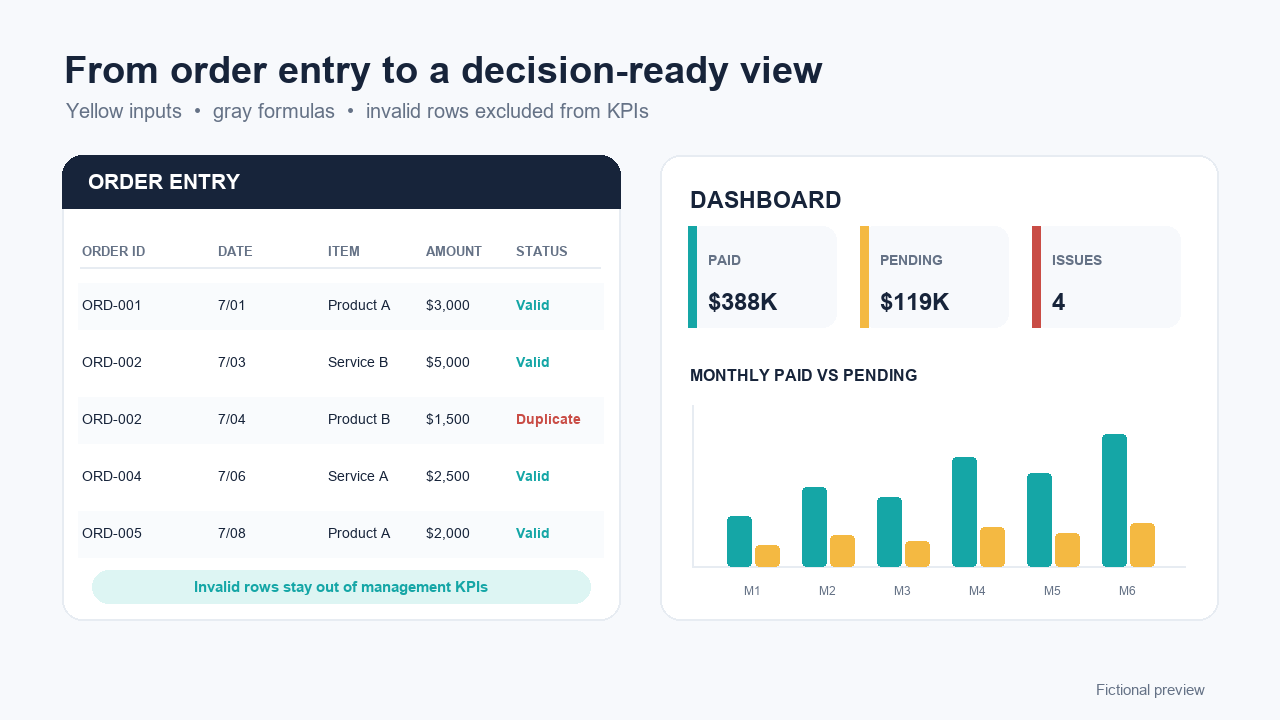
- Paid, Pending, Cancelled, and overdue-pending operational views based on entered data.
- Quick start, field guide, Standard license, support scope, refund terms, changelog, and manifest.
The file does not confirm that money reached a bank account. An authorized operator must update and validate the source row.
Use official capability pages to verify the larger-system side.
Microsoft documents structured references, data validation, and PivotTables for spreadsheet analysis. QuickBooks documents bank reconciliation and invoicing; Xero documents online invoicing, bank connections, reconciliation, and other accounting features. Product capabilities, regions, and plans can change, so verify the current provider page before purchasing any system.
Frequently asked questions
Can this workbook replace bookkeeping or accounting software?
No. It is an operational tracker for order rows, payment-status review, data checks, monthly summaries, and a management dashboard. It does not maintain formal books, issue invoices, calculate tax, reconcile bank accounts, or produce accounting statements.
Does the workbook connect to a bank or confirm that a payment arrived?
No. Payment status is entered manually from an authorized source. The workbook does not connect to a bank, process payments, match bank transactions, or independently verify collection.
Can I import the workbook directly into QuickBooks or Xero?
No direct integration or accounting-system import is included. If you later move data to another system, keep the original file, map fields deliberately, use de-identified test rows first, and follow that system's current import requirements.
When is the Excel tracker a reasonable fit?
It can fit a small operation with one named file owner, up to 500 order rows, manual review, low-frequency collaboration, and a need for a lightweight operational view rather than accounting or payment automation.
What should trigger a move to dedicated software?
Move sooner when you need online invoicing, payment processing, bank feeds and reconciliation, inventory, concurrent editing, granular permissions, complete audit trails, APIs, automated reminders, regulated-data controls, or formal financial reporting.