Start with a copy, not the source of record
Export a de-identified working copy and keep the original untouched. That gives you a reference if a cleanup step changes a value or removes a row. Microsoft likewise recommends reviewing duplicates and preserving a copy before permanently removing them in Excel.
If IDs contain leading zeros, long numbers, or date-like text, use Excel's import controls instead of relying on a double-click. Microsoft documents that automatic conversion can remove leading zeros, shorten long numbers, or reinterpret date-like values; its Text/CSV import flow lets you review how columns are read.
Reviewing and removing duplicates in Excel · Controlling automatic data conversion · Opening UTF-8 CSV files correctly
The six-check payment tracker audit
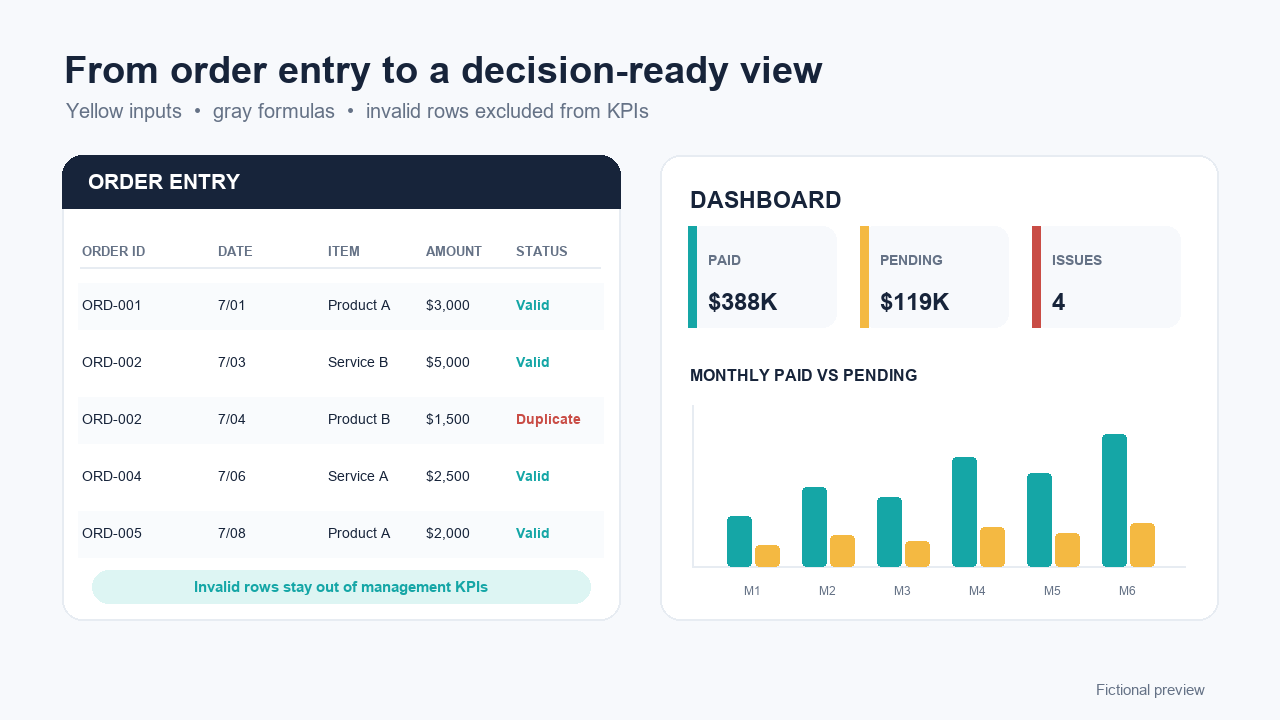
- Order IDs should identify one logical order.Flag every repeated ID and compare the source rows. A duplicate can be an error, but it can also represent a split, correction, or source-system convention.
- Required fields should be present.At minimum, decide whether order ID, customer code, order amount, paid amount, payment status, and due date are required for your workflow. A blank cell should not silently become zero.
- Order amounts should be numeric and greater than zero.Text, blanks, and non-positive values need review. Credits and cancellations should follow an explicit rule instead of being mixed into ordinary orders.
- Paid amounts should be numeric and not below zero.A paid amount above the order amount may be legitimate, but it needs a documented explanation such as combined payment, deposit allocation, or data-entry error.
- Due dates should be real and unambiguous.Prefer year-month-day values. Reject impossible dates and investigate missing due dates before calculating overdue balances.
- Overdue should use one documented rule.A practical signal is: due date is before today, outstanding balance is above zero, and status is not paid or cancelled. Your contract and operating policy may require a different rule.
A minimal CSV structure the checker can map
Column names can vary because the tool lets you map them. The meaning of each field matters more than the exact header text.
| Field | Example | Review question |
|---|---|---|
| Order ID | ORD-1042 | Does one ID represent one logical order? |
| Due date | 2026-07-31 | Is the value real, unambiguous, and governed by the same policy? |
| Customer code | C-018 | Is it a de-identified but stable reference? |
| Order amount | 2400 | Is it numeric, positive, and in the same currency as other rows? |
| Paid amount | 800 | Is it numeric, non-negative, and supported by your source records? |
| Payment status | Partially Paid | Does the status agree with amounts and business rules? |
The free checker totals amounts as entered and does not convert currencies. If a file mixes currencies, separate or normalize them before interpreting totals.
What to do with a flagged row
A flag is a review queue, not an automatic correction. Record the row number, compare it with the source system, decide who owns the answer, and document the accepted correction. Re-run the check on a new copy and keep the original export unchanged.
Move beyond a spreadsheet when multiple people edit concurrently, permissions matter, you need a complete audit trail, or records must reconcile automatically with invoicing, accounting, banking, or payment systems. The checker and downloadable workbook are intentionally lighter than those systems.
The browser checker does not upload the CSV. Use de-identified copies anyway: customer names, email addresses, phone numbers, bank details, tax identifiers, and sensitive notes are not needed for these six checks.
Frequently asked questions
Does the free checker upload my CSV?
No. The file is parsed in the current browser tab. The site does not send the CSV, filename, column names, cell values, or scan results to its server.
Can the checker confirm that my accounts receivable balance is correct?
No. It reports fixed data signals from the six columns you map. It cannot verify invoices, bank receipts, tax treatment, disputes, fraud, currency conversion, or whether records are missing from the export.
Why should I review duplicate order IDs before removing them?
A repeated ID can be an accidental duplicate, a legitimate split shipment, a correction, or a source-system rule. Review the source rows before deleting anything so you do not remove a valid record.
What date format does the checker accept?
Use year-month-day values such as 2026-07-14. The checker also accepts the same order with slashes or periods. Ambiguous month-first or day-first dates are intentionally rejected.